
Important update to BorrowBox logins
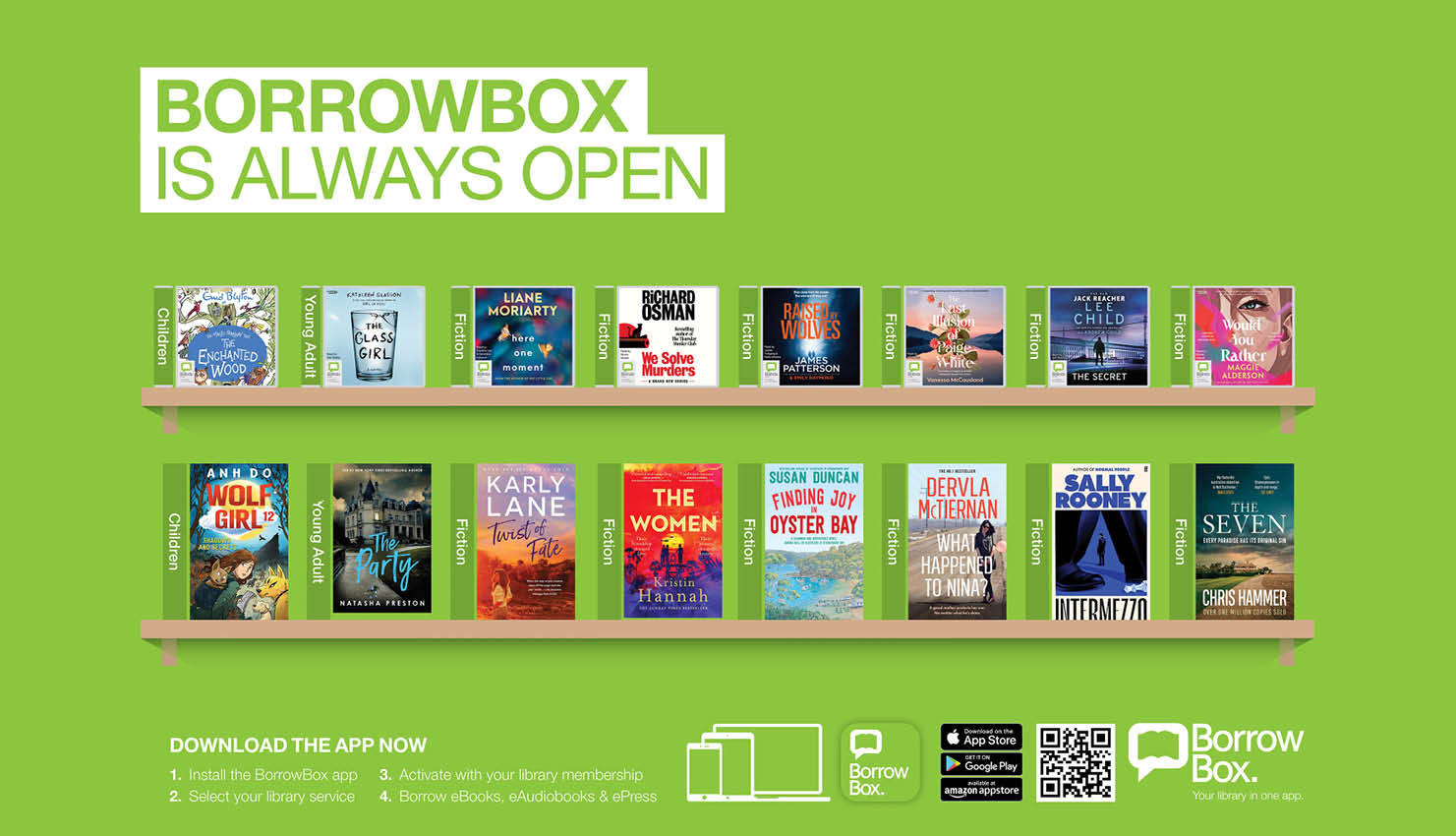
BorrowBox is a platform to access free eBooks, eAudiobooks and eMagazines through your City of Stirling Libraries membership.
Stirling Libraries is improving the log in method to BorrowBox online resources – from 6 October 2026, BorrowBox will only use current library card numbers and the 4-digit library PIN.
These are the same details used to access your online library account.
Instructions to login to BorrowBox
If you know your library card number and library PIN
- Log in to BorrowBox
- Make sure you are using your current library card number and 4-digit library PIN
- If not, you can update your PIN in the “My Account” section.
If you can’t log in to BorrowBox or can’t change your PIN in your account
- Use the “Forgot your Pin?” link in the sign-up window to reset your PIN to your library 4-digit PIN
- The email you enter must be linked to your BorrowBox account
- If you don’t receive a reset password email, contact the library for more help.
If you are using a different library card number in BorrowBox
If your library card number has changed because you’ve been issued a new library card, you may still be using the old card number on BorrowBox.
- Your old library card number will not work from 6 October 2026
- Please contact your library so we can update and merge your accounts
- Merging accounts will mean you use your updated library card number and PIN and keep your history and any holds you have.
Don’t know your library membership number or PIN?
- Contact the library and we will confirm your membership number and help you reset your PIN
These changes will take effect from 6 October 2026. Only current library membership numbers and PINs will work in BorrowBox after this date.
For further information, or for assistance, please contact your local Stirling Library.


